
When you go to a website that has no set pricing, the next best thing is a cost calculator that allows you to get an indication of what the product or service may cost.
Website cost calculators offer a tempting promise: “Tell us what you need, and we’ll tell you the cost – right now.”
It’s easy to see the appeal.
For potential customers, instant pricing without needing to speak to a salesperson ticks a lot of boxes. But for marketers and business owners, the story gets more complicated.
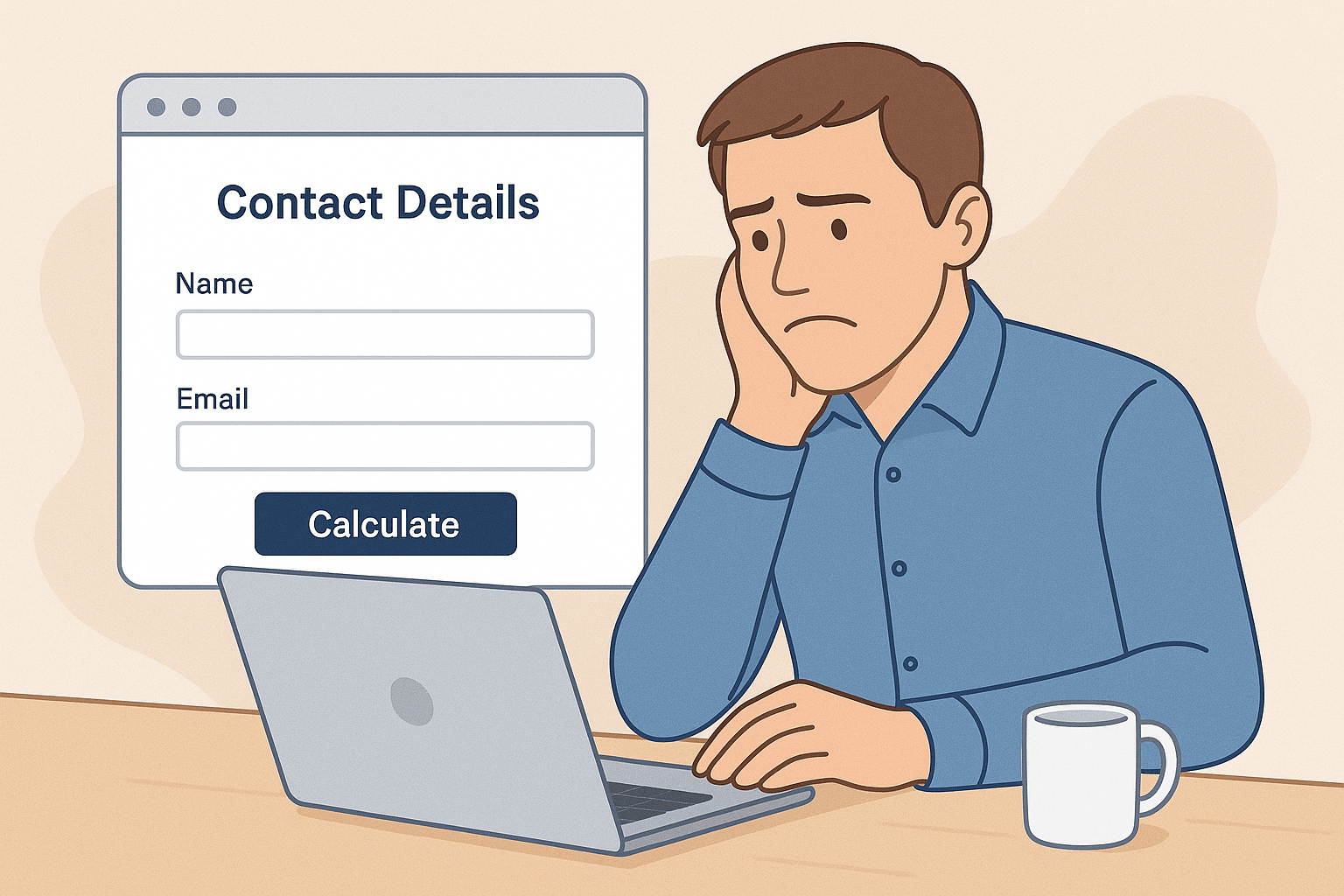
Should you let visitors see a price upfront, or should you ask for their contact details first so you can market to them later?
I’ve looked at both sides of this. I understand why some businesses prefer to gate the pricing and collect data first. But in many cases, I think it just gets in the way.
My view is: a calculator should be simple, fast, and give a user an approximate cost upfront, without asking for their name, phone number or email first.
That’s not just a personal preference – I believe it’s better for conversions. But before I get into the reasons why, it’s worth looking at what others are saying, because opinions are split down the middle on this one.
There’s no shortage of opinions on how calculators should be used. Some see them primarily as lead generation tools. Others argue they should reduce friction and empower users. Both sides think they’re helping conversion – they just define it differently.
Many marketers see cost calculators as a way to qualify leads and grow mailing lists. Tools like ConvertCalculator and Involve.me promote calculators not just as pricing tools, but as part of a wider sales funnel.
They talk about:
Many agencies would fight the corner of website cost calculators being strongly used as lead generators.
On Reddit, I found several agency owners warning against showing prices without first collecting contact details. One quote stood out to me:
“Giving out your price without getting the opportunity to close the sale is silly.”
That thinking is common in sectors where services are bespoke and high-value. The assumption is that if users see a price before understanding the value, they’ll leave. So instead, businesses want to delay pricing until they can “sell” the offer.
The user-first view
Then there’s the other side. Some (including myself) argue that showing pricing – even if approximate – builds trust and leads to better engagement.
Transparent pricing helps build credibility, educates potential clients, and reduces back-and-forth. It can also filter out time-wasters who were never likely to become customers.
Letting website visitors see an estimated price without asking for any contact details appeals to those who want to know how much something is going to cost before fully engaging. Only at the end of the cost calculator would there be an option to enter their contact details if they want to save the quote or follow up. It’s clear, fast, and respects the user’s time and privacy.
In this model, the calculator is about clarity – not capturing data. And for many users, that’s exactly what they want.
This comes down to priorities. Are you optimising your website for data or trust?
Both approaches assume different things:
The lead-first model assumes:
But there are problems with this. I’ve seen time and again that:
The open-calculator model (no contact details necessary) assumes:
Of course, it’s not perfect either. Some visitors might disqualify themselves too early. Others might misunderstand what the price includes or how it’s calculated.
But in my experience, the balance still tips in favour of letting people see an estimated price upfront.

I believe cost calculators work best when they’re simple, helpful, and ungated. That means:
Why? Because it puts the user first. And when people feel like they’re in control, they’re more likely to trust you.
This doesn’t mean you give away everything. You can still offer a more detailed breakdown or personalised proposal once they’ve seen the estimate. But you lead with value, not a form.
Here’s the model I recommend:
Step 1: Show the estimate
Let users input a few key variables (e.g. service type, quantity, timeframe). Give them a price range or an average. Clearly mark it as an estimate.
Step 2: Invite further engagement
Once they’ve seen the number, invite them to:
This sequence respects their autonomy but still opens the door to a conversation.
If you’re thinking about adding a calculator to your site, here are a few key points to get the most from it:
Keep it minimal
Don’t overwhelm users with 10 calculator options. Focus on the biggest pricing variables. Use sliders or dropdowns where possible.
Make the estimate clear and honest
Use ranges (e.g. £1,200–£1,800), not false precision. Add a line below saying “Final price may vary based on your exact requirements”.
Offer options
Once the estimate is shown, offer different next steps. Some will want to call. Others may prefer to email. A few might just leave – and that’s OK.
Use the right tools
No-code platforms like ConvertCalculator, Involve.me and Outgrow make it easy to build a calculator without coding. Test it. Track usage. See what works.
Monitor performance
Use tools like Google Analytics or Microsoft Clarity to track usage. See where people drop off. Test different versions (gated vs ungated) and measure the impact on actual enquiries.
There are exceptions. If your service is complex or highly customised, a calculator might oversimplify things. If you serve enterprise clients where pricing is confidential, you might need a different approach.
But even then, I’d argue that a budgeting guide or interactive quote builder still helps users understand whether they’re in the right ballpark.
Cost calculators are a powerful conversion tool – but only when used in the right way.
Gate them too early, and you risk losing trust. Overcomplicate them, and you’ll lose people to confusion. My view is simple: put the user first, offer value upfront, and earn the right to follow up.
When you show a price – even an estimate – you’re saying “I respect your time and preference to be anonymous initially”. That one message can make the difference between a bounced visitor and a genuine enquiry.
If you’re not sure whether your current calculator is helping or hurting your results, I’d be happy to take a look. It’s often the small changes that unlock the biggest improvements.